
dblTeam · Personnel and certification
Collect every new starter’s onboarding documents before day one
Stop chasing licences, photos and signed forms by email. Add the new starter in dblTeam and send them portal access in the same step. They upload what you ask for, sign and return your forms, and you can see at a glance what each person still owes.
How it works
How dblTeam handles it
Portal access when you add them
Adding a person offers to send their portal access straight away, so the request reaches them the day they are hired.
One pack for every new starter
Put the licences, photo and forms a new starter must provide into a document pack and apply it to each person, or to a whole intake at once.
Forms to return
Upload a blank form once, such as a confidentiality agreement. Each new starter downloads it in the portal, signs it and uploads the completed copy, which is filed on their record.
Their photo, from the portal
Ask for a photo through the portal, or take one with the camera when they arrive. It becomes the photo on their record.
Share your handbook
Upload your handbook or site rules once and share it through the portal with the people who need it, who always see the newest version.
Everything lands on their record
Each upload is filed on the person’s record with its revision history and expiry date, ready for licence and certification tracking from their first day.
Features
Everything else in dblTeam
- Personnel records with encrypted personal information
- People grouped by department, each with a role
- Licence and certification lifecycle, from issue to expiry to renewal
- Training records, with refreshers flagged before they fall due
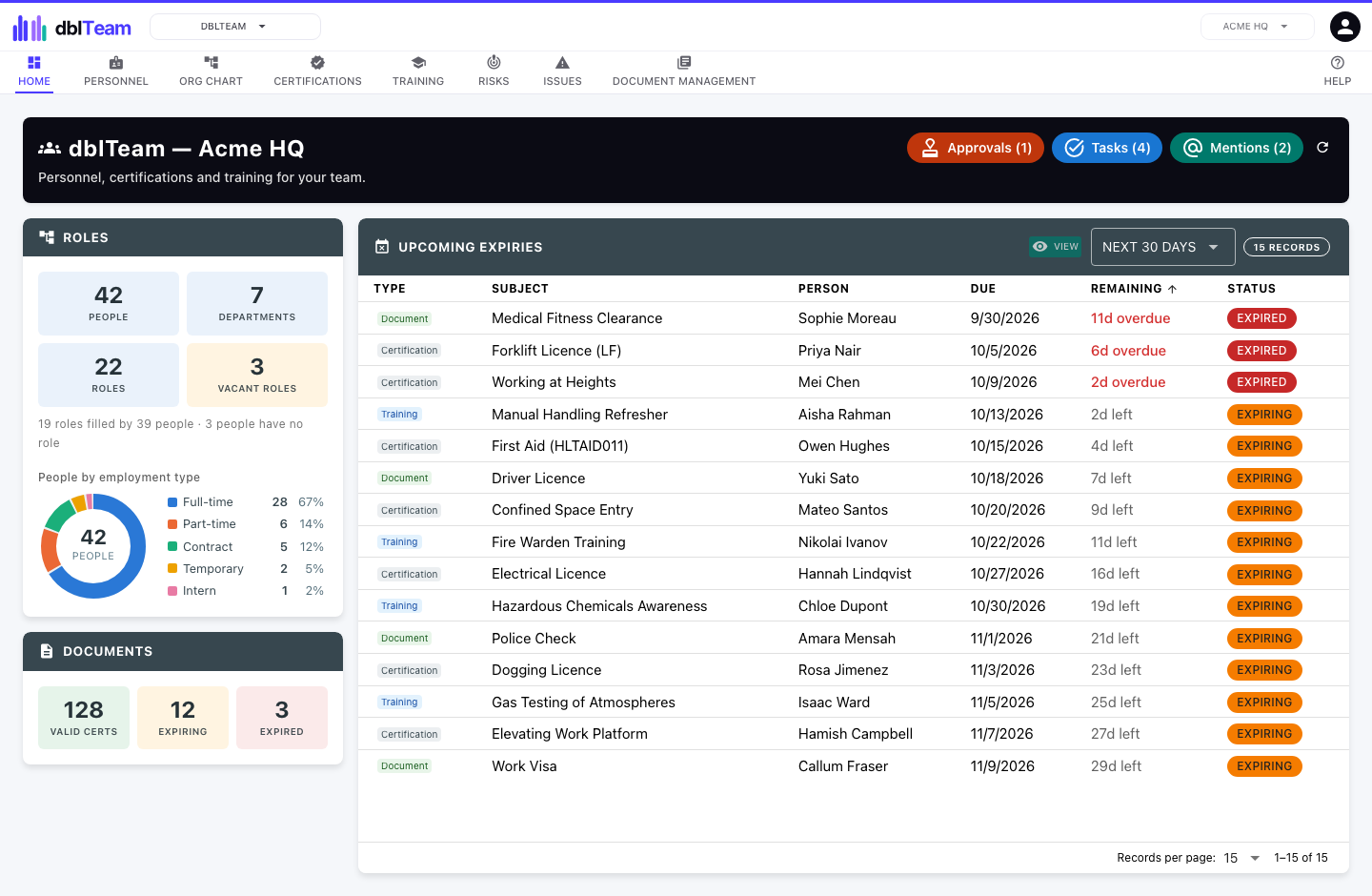
- One list of every licence, training refresh and document falling due
- Portal for staff to upload their own documents
- Each person linkable to the dblBase site they work at
- Risk and issue registers for personnel
Industries
Used in
Construction
Subcontractor certificates of currency, site inspections, worker licences and plant.
See dblSuite for constructionMining
Site inspections, plant maintenance, high risk work licences and contractor documents.
See dblSuite for miningManufacturing
Product lifecycle, supplier approval, corrective actions and machine maintenance.
See dblSuite for manufacturingQuestions
Frequently asked questions
- Do new starters need a paid user seat?
- No. New starters provide their documents through a restricted portal as guests. A guest costs a fraction of a user seat, and each subscribed application includes some free guests.
- Does dblSuite work offline?
- No. dblSuite runs in your web browser and needs an internet connection.
Start with dblTeam.
Month to month, every site included, and each application you add lowers the price per user.