
How dblSuite works
What happens when your applications share the same records.
Every dblSuite application is a complete product you can run on its own. They share the same login, users and sites, so records link between applications without any integration work. Start with one, or choose the set that fits your business.
Priced per application
Subscribe to the applications you want, and pay less as you add more.
Each application has its own price per user, per month. The more applications a user holds, the bigger the discount on each of them. Whichever you choose, they share the same login, organisation, users and entities, along with documents, tasks, comments and risk tools. Controlled documents work the same way everywhere: each new version is kept, sent to the people you name for approval, and the approved one is the one in force, with every earlier version still on record. That shared foundation is what lets their records link together, and it is where each division, location or country is set up as its own entity. Each entity keeps its own sites, products and assets, and a person is given access to as many entities as their job needs.
 SoonSite managementGuest access
 SoonRisk, issue and deliverable management
 SoonPricing and profitability
 Product lifecycle managementGuest access
 SoonSupplier and contractor managementGuest access
 SoonWarehouse management
 Standards and accreditation managementGuest access
 SoonOrder managementGuest access
 SoonPersonnel and certificationGuest access
 SoonAsset managementGuest access
 SoonSample management
Beyond your team
Bring in suppliers, contractors and staff at arm’s length.
Some records come from outside your team, and some documents need to go out to it. Many applications let you invite outside parties into a restricted portal where they see only what you allow, provide the documents you ask for, or download the ones you share.
- Suppliers and contractors keep their certificates and compliance documents current
- Staff submit training results and certifications
- Partners upload documents and images against your records
- Customers and auditors download the certificates and policies you choose to share
- Customers see their orders, invoices and credit notes, and send order forms back
- Guests see nothing else in your data. There is no full seat, just a small monthly charge per guest
- Everything they see carries your brand. Add your logo once and the portal, order confirmations, invoices, credit notes and reports all lead with it
Site management Coming soon
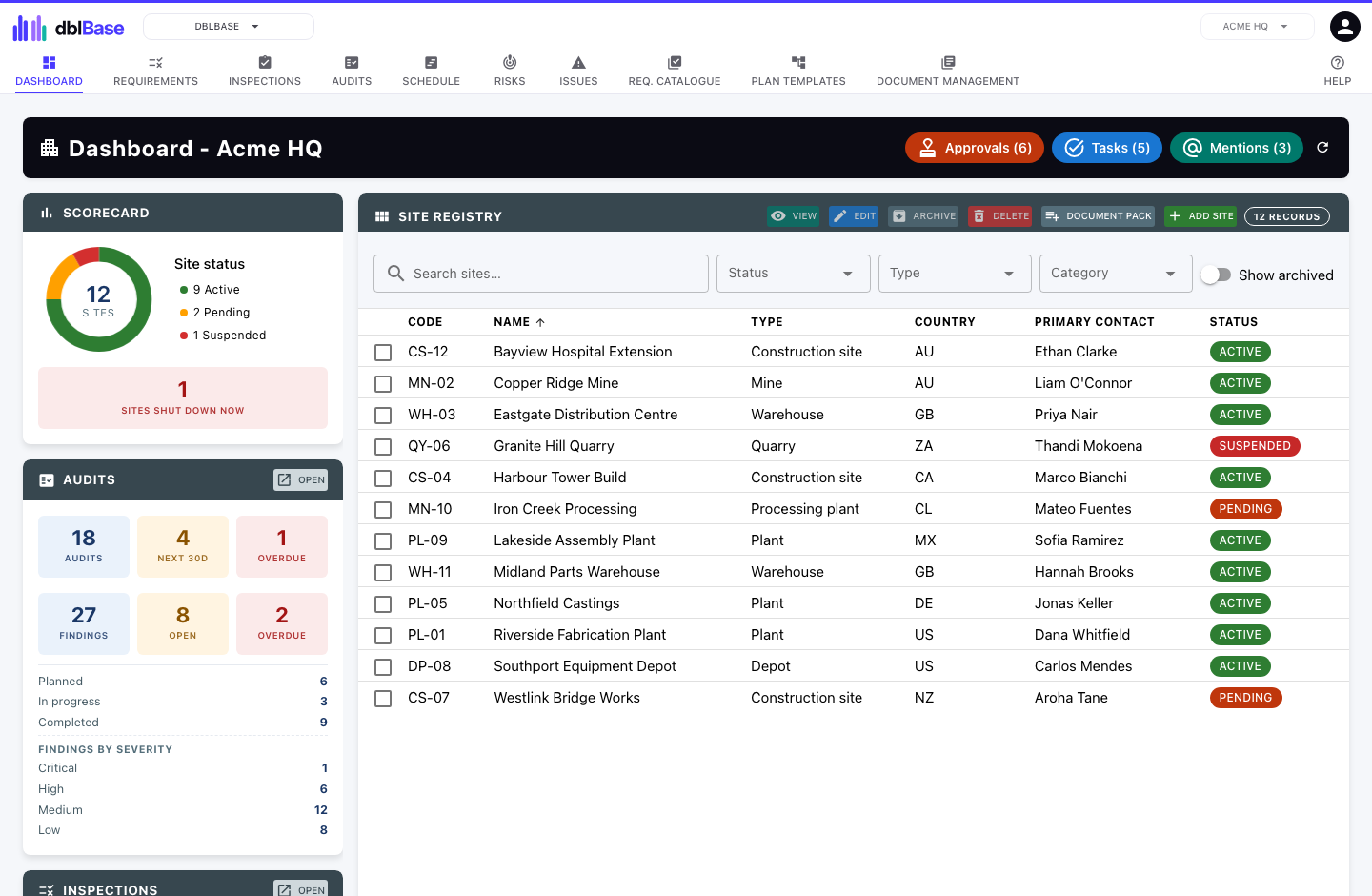
Keep every site compliant and ready for audit. Track certifications and requirements, run inspections and audits, and attach photo evidence to every record across all your sites.
- Register of every site you run
- Certification tracking with expiry alerts
- Requirements register for each site
- Scheduled inspections and audits
- Photo evidence and documents on every record
- Issue and risk registers for each site
Risk, issue and deliverable management Coming soon
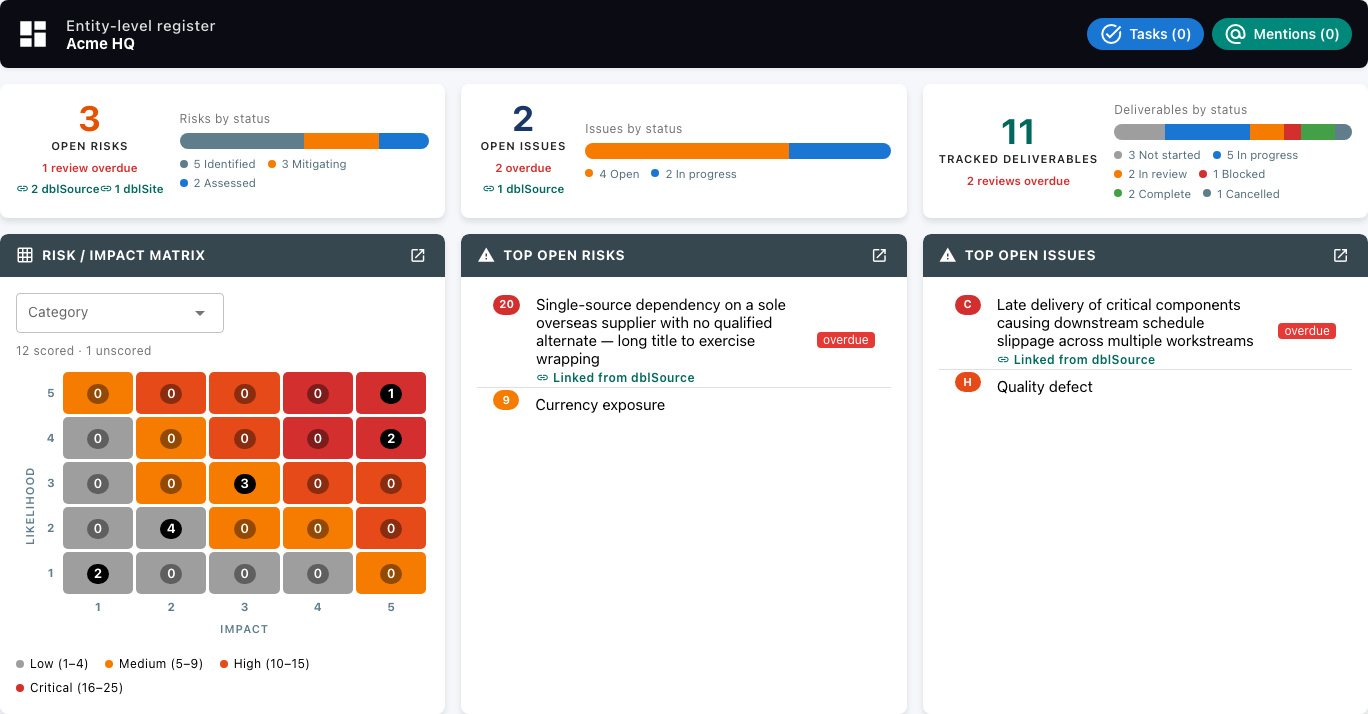
Track deliverables through to approval, drive issues through corrective and preventive action, and assess risk the same way across every dblSuite application you run.
- Deliverables with owners, due dates and task breakdowns
- Document revisions with a submit and approve workflow
- Issue logging with corrective and preventive actions
- Two-axis risk assessment
- Registers for an entity or a program, each with its own access
- Risks and issues from other applications in one view
Pricing and profitability Coming soon
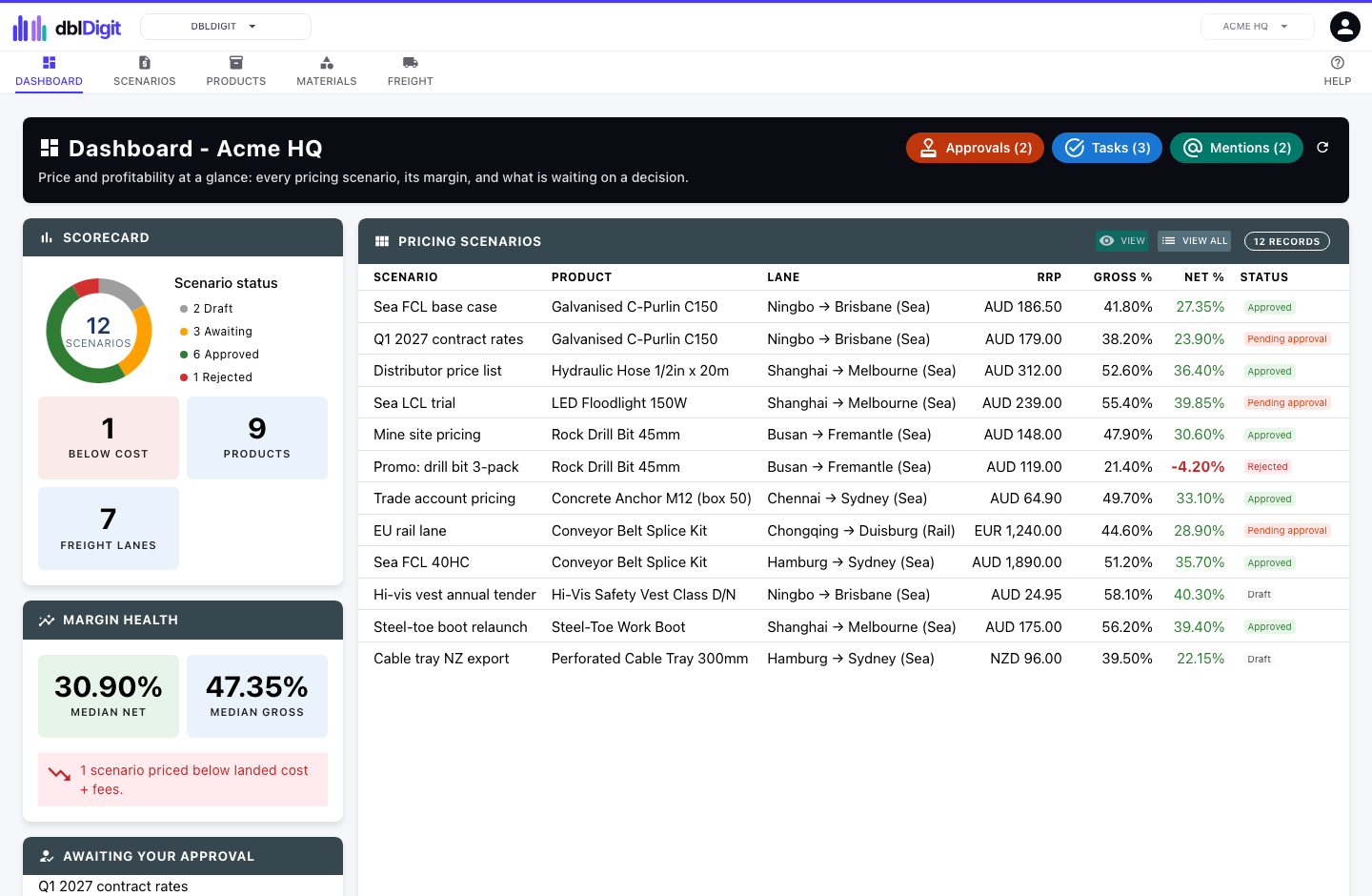
Model what a product really costs to land and what it earns. Build cost of goods from materials, price the freight lane, add duty and fees, then solve for the price that hits your margin.
- Cost of goods built from the bill of materials
- Freight costing by lane: sea, air, rail and road
- Rate cards and volumetric weight conversions
- Tariffs, duty and selling fees for a true landed cost
- Unlimited pricing scenarios per product
- Price solver for a target gross or net margin
- Approved models that never restate silently
Product lifecycle management
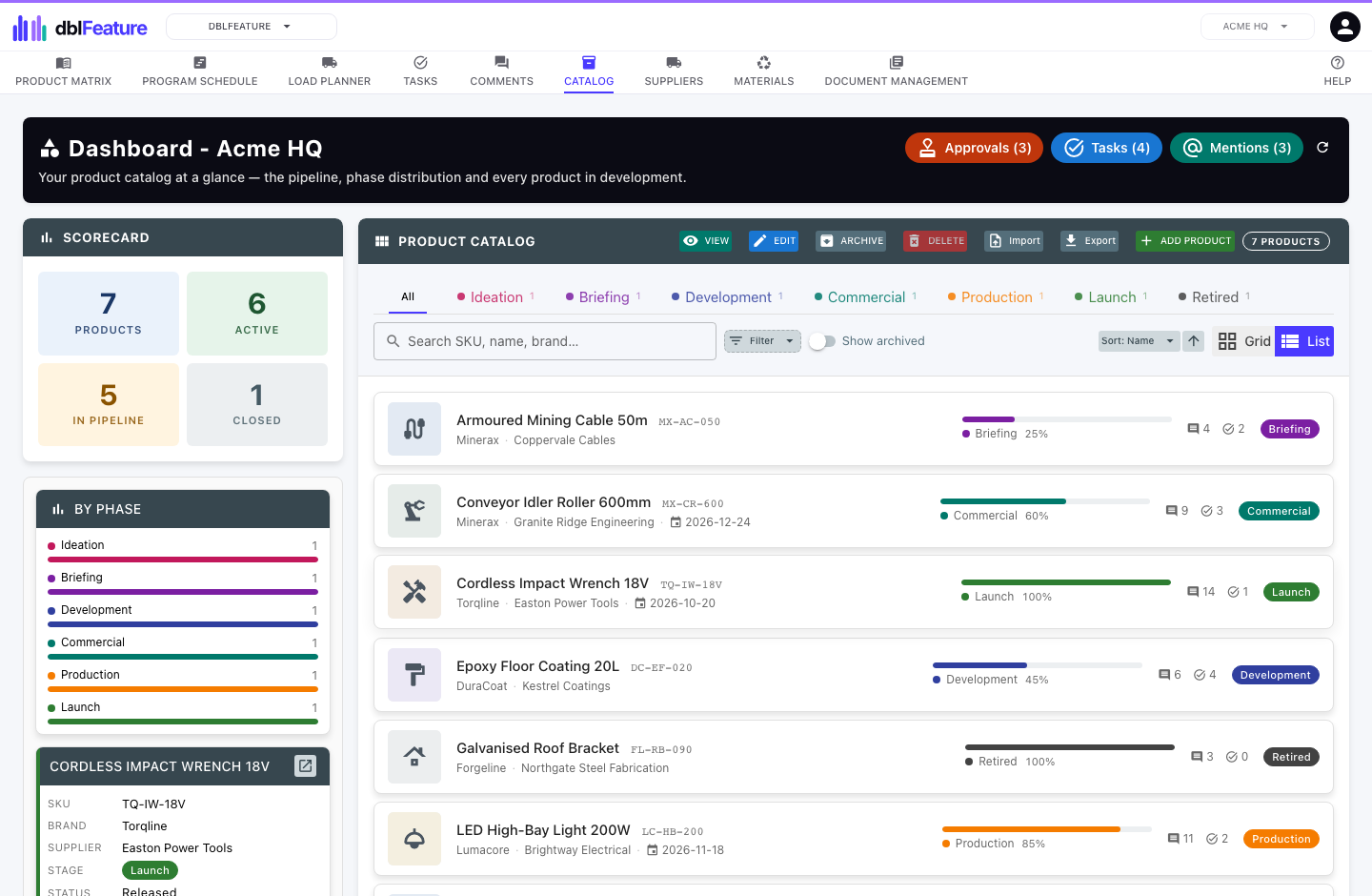
The whole product record run as a lifecycle, from ideation to retirement, with controlled approvals and versioned revisions. Design the packaging, configure the pallet and plan container loads on the same record.
- Product stages you define, seven as standard from ideation to launch
- No revision becomes the design of record until every required document is done
- Product, variant, revision and component structure
- Controlled specification approvals with versioned revision history
- Packaging specifications with their own versions, approvals and comments
- Reusable materials library with material, recycle code and certification
- Packaging design and pallet configuration with a 3D view of the pallet and container
- Container load planning for several products in one shipment
- Recommended retail price and shelf life on each variant, with the price linkable to a dblDigit pricing scenario
- Access for outside collaborators
Supplier and contractor management Coming soon
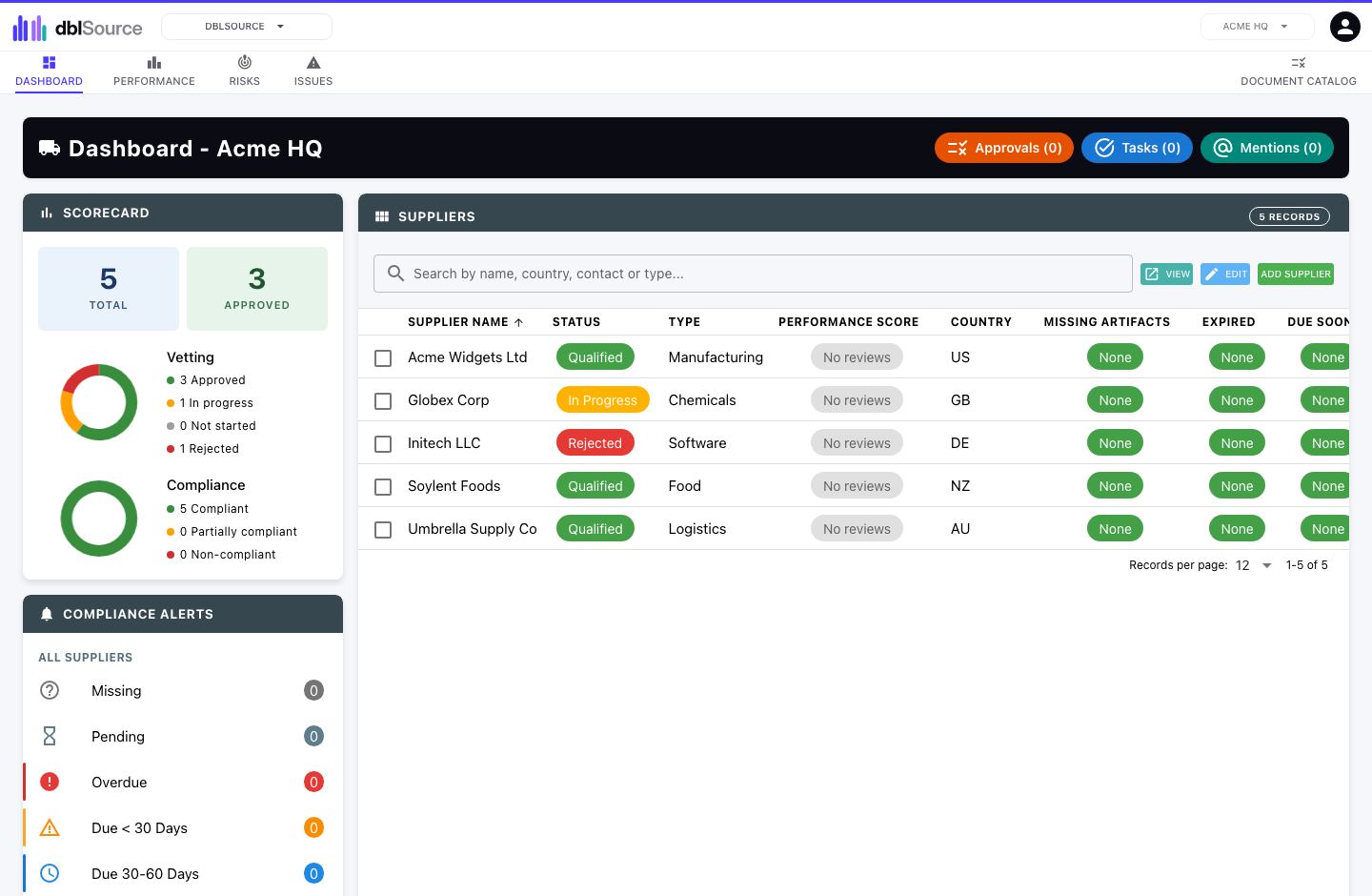
Vet, onboard and manage every supplier and contractor. They keep their own details and compliance documents current through a secure portal, and you are warned before anything expires.
- Structured onboarding intake
- Compliance documents and certificates, with expiry alerts
- Contacts and sites for every supplier
- Performance scoring over time
- Vetting and approval workflow
- Secure portal for suppliers and contractors
- Contracts with renewal and notice reminders
- Supplier price history, with lines linkable to a dblFeature product or dblSpace item
- Supplier export and import with Xero and QuickBooks Online
Warehouse management Coming soon
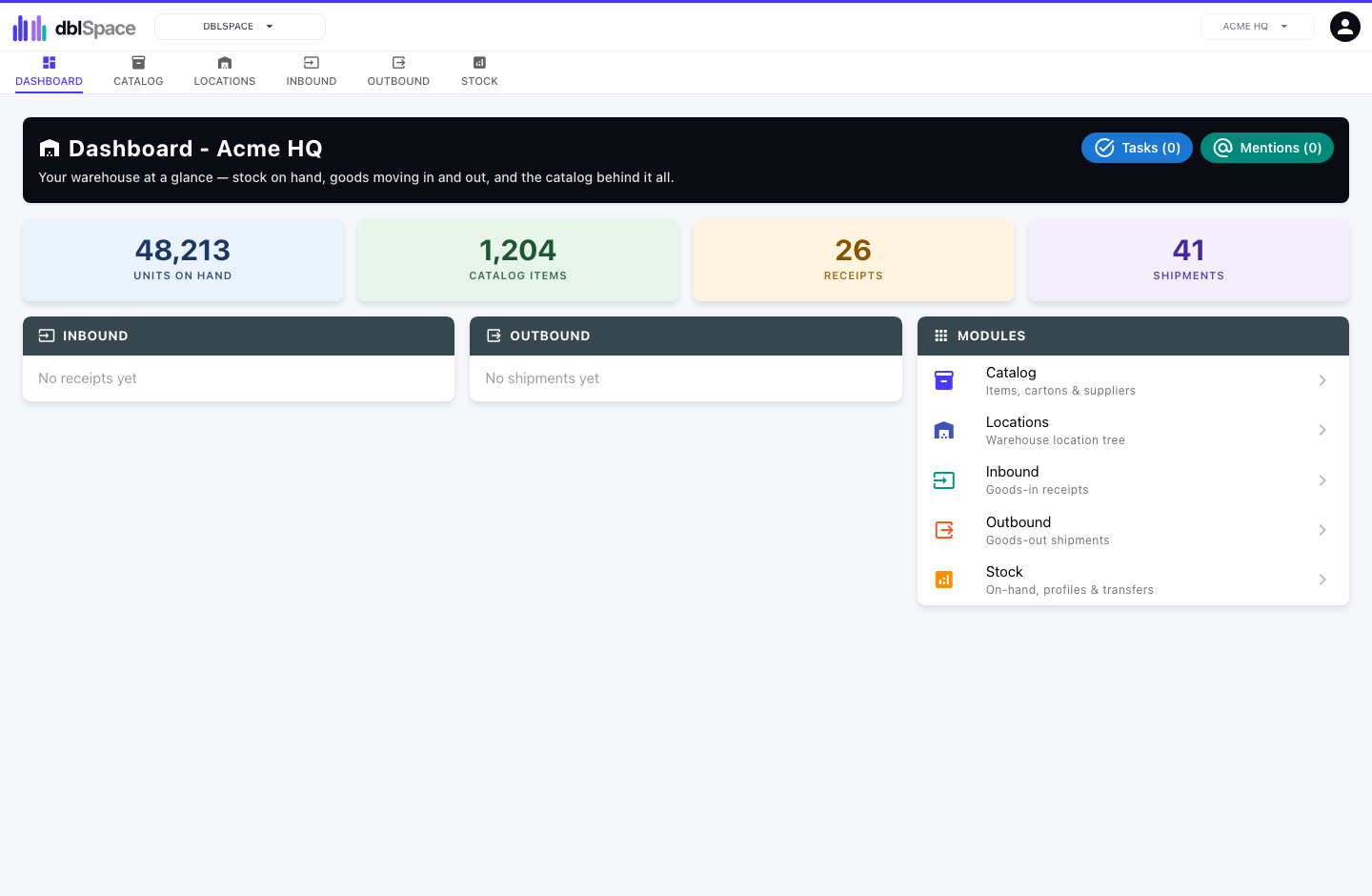
Warehouse and stores management built around the scanner: item catalog, location tree, receiving, picking and a real-time stock ledger that never lets you pick stock you do not have.
- Item and carton catalog
- Location tree with levels you define
- Barcode and QR code scanning by scanner or camera
- Stock ledger that blocks over-picking
- Inbound receipts and outbound picking
- Batch and expiry tracking, earliest expiry picked first, and a Shelf life report
- Stocktakes and quarantine holds
- Customer and supplier returns
- Supplier invoices with a 3-way match
- Cartons with packing slips
- Stock by item, location and point in time
Standards and accreditation management
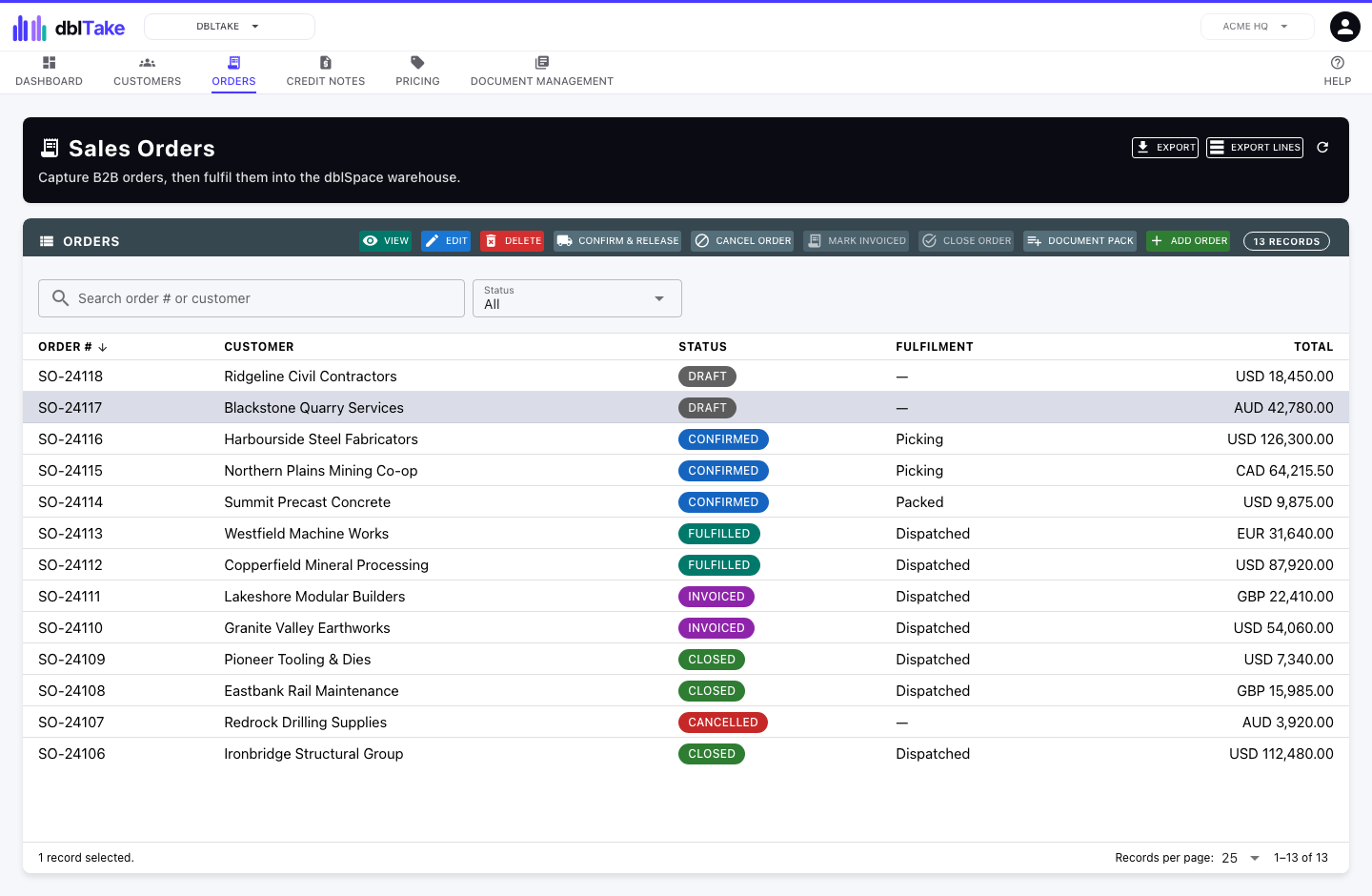
Collect the evidence, policies and attestations your accreditation depends on, keep them current between audits, and be told before anything expires.
- Evidence collected against each requirement and control
- Policies and procedures with versioned approval and review dates
- Expiry tracking with notifications before anything lapses
- Statement of applicability with justifications and measurement results
- Risk treatment plan linking controls to the risks they treat
- Internal audits with findings raised as issues
- Certificates with surveillance and recertification cycles
- ISO 9001, ISO/IEC 27001, ISO 14001, ISO 45001 and ISO 50001 ready to use
- ISO 31000 for risk management guidance
- Policies acknowledged by staff, with reminders before the due date
- Your own standards, and your own controls and required records on any ISO standard
- Guest access for customers and auditors to download the certificates and policies you share
Order management Coming soon
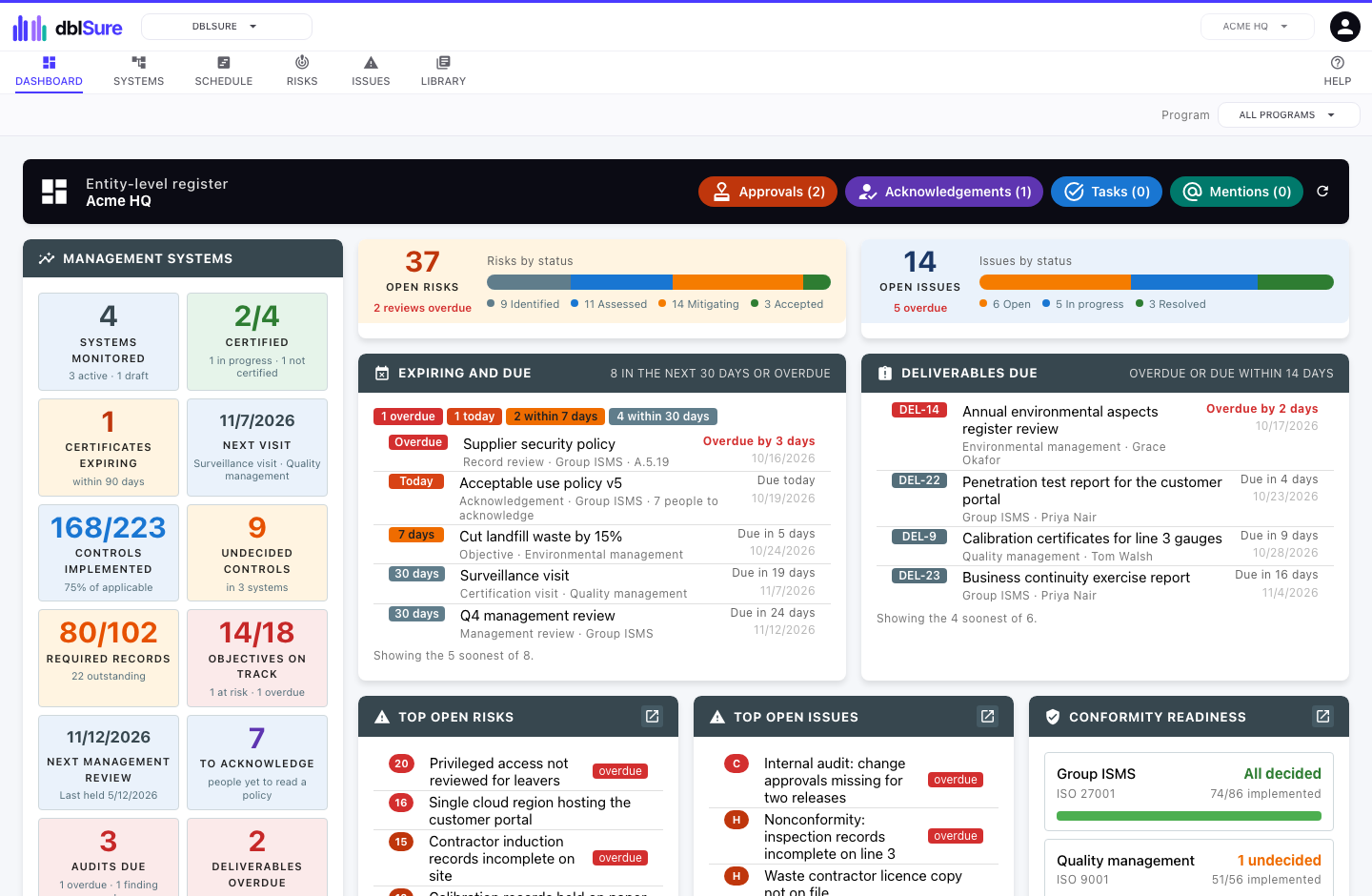
Your customer master and wholesale order book. Price each customer from their pricebook, fulfil through the warehouse, invoice and credit, and give customers a portal to their orders.
- Customer master with payment terms, addresses and contacts
- Sales order lifecycle with automatic numbering
- Pricebooks: a discount off RRP, with dated specials and volume tiers
- Optional fulfilment through dblSpace, where dispatch completes the order and emails the customer
- Invoices and credit notes, optionally created in Xero or QuickBooks Online
- Credit notes that book returned stock back into dblSpace
- Customer portal with orders, invoices and credit notes
- Spreadsheet order forms returned through the portal
- Order lines linked to warehouse items or dblFeature products
- Customer export and import with Xero and QuickBooks Online
Personnel and certification Coming soon
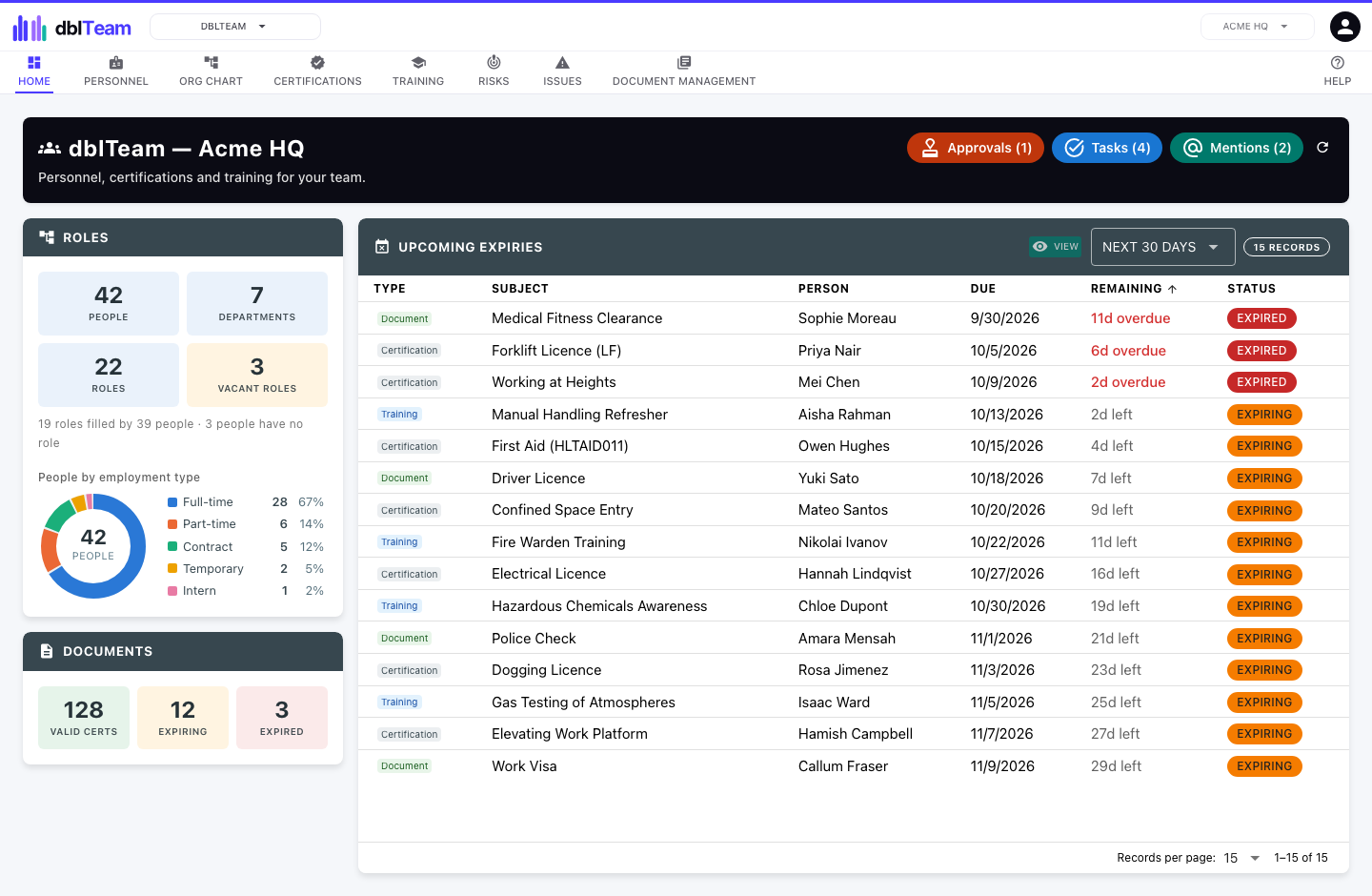
Personnel records with encrypted personal details, certification and training tracking from issue to renewal, and a portal where staff upload their own documents.
- Personnel records with encrypted personal information
- People grouped by department, each with a role
- Licence and certification lifecycle, from issue to expiry to renewal
- Training records, with refreshers flagged before they fall due
- One list of every licence, training refresh and document falling due
- Portal for staff to upload their own documents
- Each person linkable to the dblBase site they work at
- Risk and issue registers for personnel
Asset management Coming soon
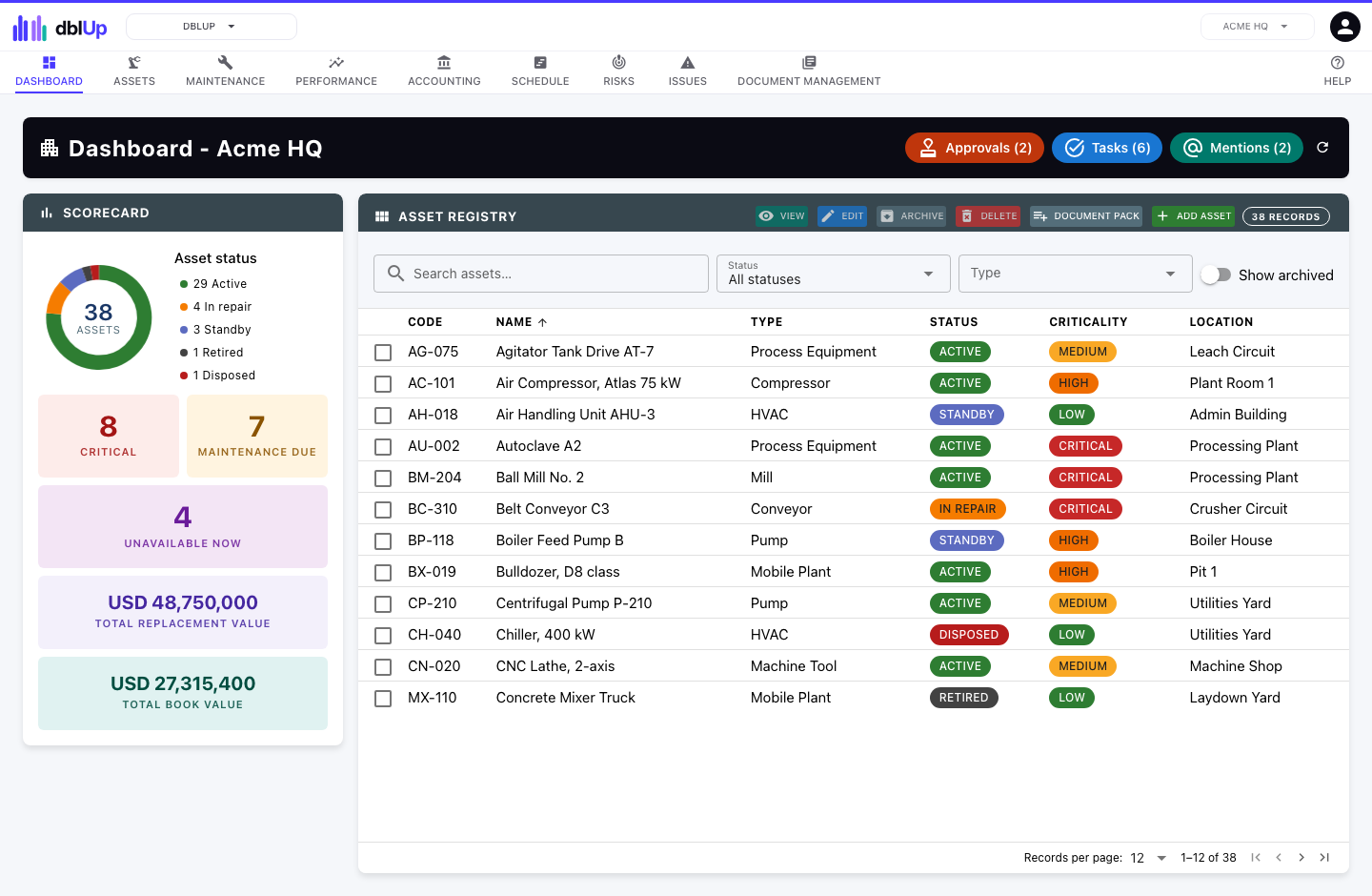
Keep a live register of every asset, with its location, maintenance schedule, condition and performance, and each asset tied to the site it works on.
- Asset register with its own or linked locations
- Maintenance schedules triggered by date or by usage
- Work orders with cost and downtime
- Depreciation and current book value
- Condition and lifecycle tracking
- Performance readings over time
- Photos and documents for each asset
- Risk and issue registers for assets
Sample management Coming soon
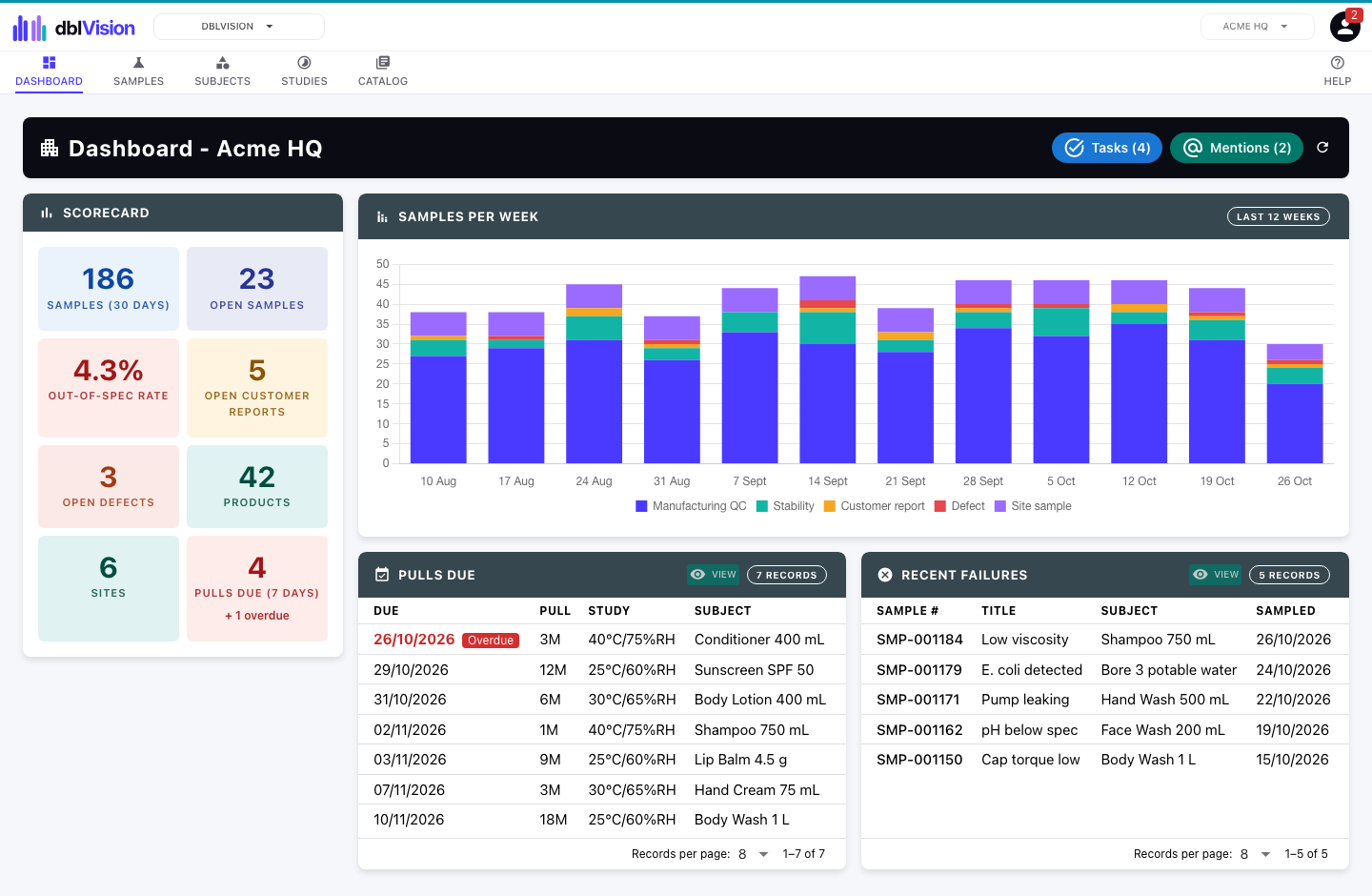
Catalogue every sample you take, from production quality control and stability studies to customer complaints, defects and site water testing, with each result checked against your limits.
- Samples for production quality control, stability, complaints, defects and site testing
- Parameters and specification limits for each product or site
- Out-of-specification results flagged as they are entered
- Stability studies with scheduled pulls and reminders
- Storage locations and printable QR code labels
- Photos, video and documents on every sample
- Products and sites of its own, or linked from dblFeature and dblBase
Better together
How the applications connect.
Linking is optional and sits on top of each application’s own data. The application that owns a record stays its system of record. The others point to it and show its current name and status, so a supplier, product or site that changes is shown as it is now wherever it is linked.
A product’s components name the suppliers that make them, linked to their dblSource records, so each supplier’s current name and status shows with the product.
A pricing scenario links the product or variant it prices and pulls freight figures from its latest approved packaging specification, so the freight part of the landed cost comes from the real carton.
Warehouse items link to the product variants they represent and take their shelf life and pack sizes, so stock on hand is always tied to the real product record.
Released sales orders become warehouse shipments, dispatch completes the order and emails the customer, and a credit note can book returned stock back in.
Every asset links to the site it lives on, so a site’s equipment travels with it.
Each asset records the supplier that provided it, linked to that supplier's dblSource record.
dblFeature and dblBaseSamples are taken from products and sites. A sampled product can link to its dblFeature record, and a sampling site to the site you run in dblBase.
dblBase, dblSource, dblSure, dblTeam and dblUpRisks and issues raised in those applications can be linked into dblCheck: one ranked view of what needs attention across the business.
Your administrator connects Xero or QuickBooks Online once for each application and entity. dblSource then exports and imports suppliers, and dblTake customers, so your accounting system has the same names and details. dblTake can also create its invoices and credit notes there. Apart from those, nothing moves until someone exports or imports.
Choose the applications that fit your business.
Start with one and add the rest as you grow. Every site and entity is included.